Takeaway Online Ordering: Test the Whole Handover
Test a takeaway ordering journey from menu to kitchen, including failed payments, sold-out items, allergen information and a clear launch decision.
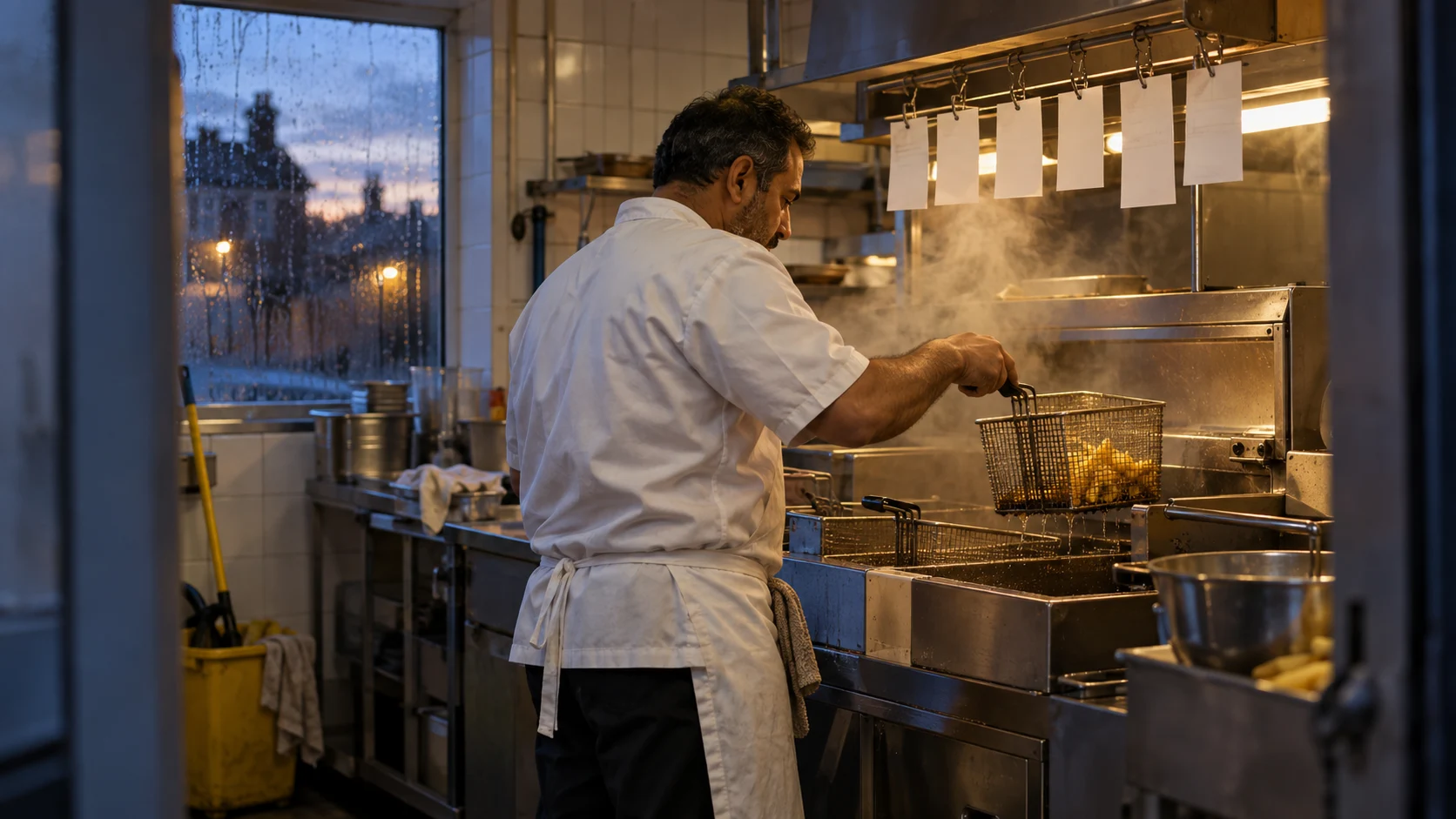
Do not launch an online ordering system because the menu looks finished. Launch when a customer can place an order, the kitchen can act on it, and someone knows what to do when either side fails.
This checklist turns a supplier demonstration into evidence your team can inspect. It is an operational test plan, not a food-safety certification or proof that a particular product is ready for live orders. Fuudster by Ampliflow provides a product experience to explore; each business still needs its own configured and tested setup.
Agree the first service you will actually deliver
Write one sentence: which location, which menu, which opening hours and which fulfilment method are in the first release? Collection avoids some courier dependencies, but only choose it if it fits your customers and operating plan.
Name the person who can pause ordering during service. Agree who answers a customer when money has been taken but the order cannot be fulfilled. Record the support route outside office hours. A contact form that nobody monitors during Friday service is not a recovery plan.
Before selecting software, use Fuudster’s ordering-system guide. Before agreeing a budget, work through the full order-cost comparison.
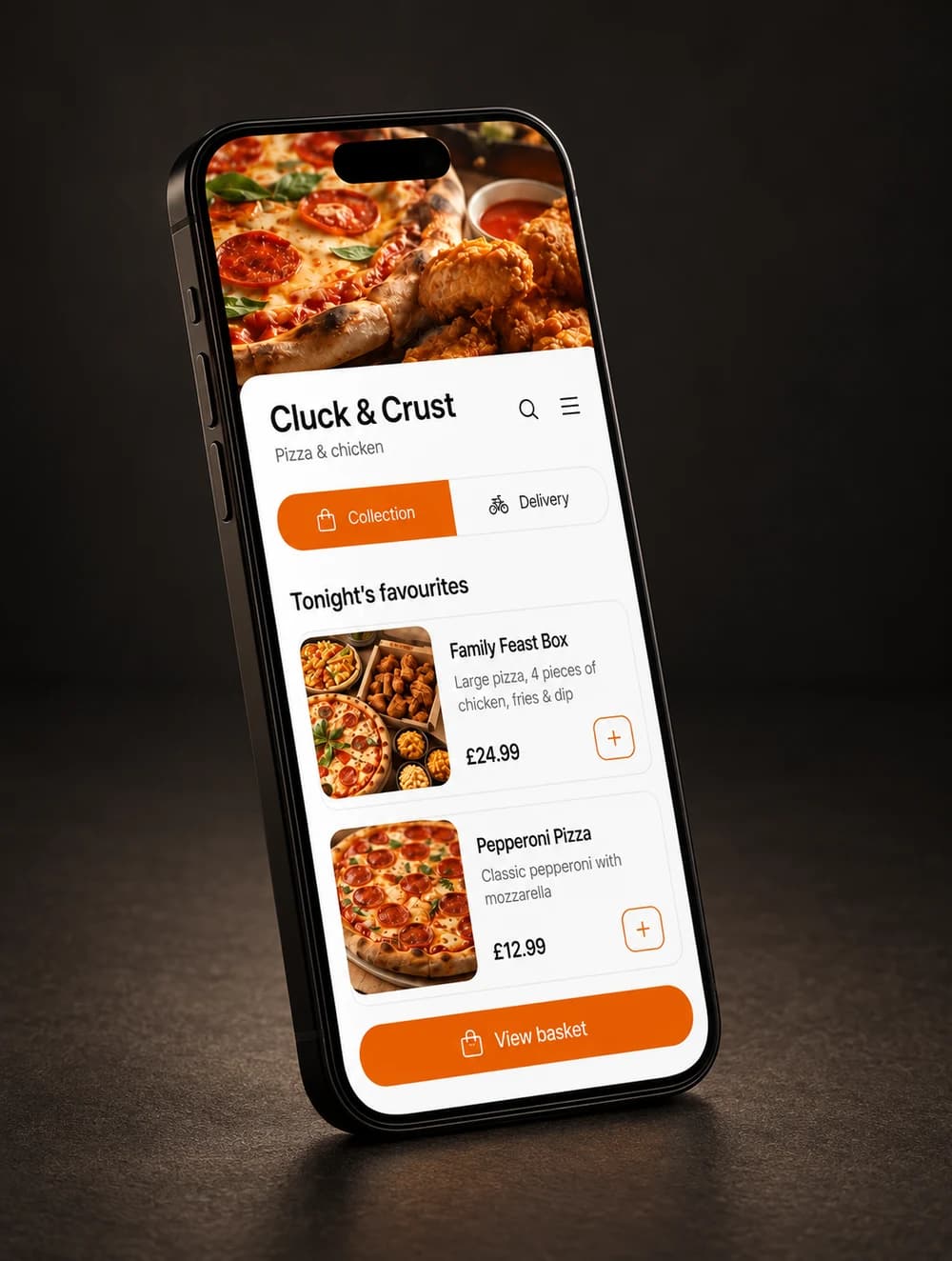
Run one order from the customer’s phone to the kitchen
Use the actual kitchen device and a customer-sized phone. Run the demonstration in an authorised test environment first, with test payments. A live payment test needs the account owner’s agreement and a reconciliation plan.
Follow one named order all the way through. Record its identifier, item choices, total, payment outcome, acceptance time and collection or delivery status. Check that the customer and kitchen refer to the same order. Never put real customer details or payment information in a public screenshot.
One order. Four handovers to prove.
- 01
Menu to basket
Correct choices, availability, prices and essential information.
- 02
Basket to payment
One clear outcome, with a safe route after a failed attempt.
- 03
Payment to kitchen
An actionable order, noticed and accepted by the right person.
- 04
Kitchen to customer
An accurate status and a clear collection or delivery handover.
A successful screen is evidence of that test only. Record what you observed and what remains untested. A demo with example orders does not establish payment settlement, delivery coverage or trading reliability.
Test the awkward cases before the busy ones
Download the launch acceptance checklist. Each row has space for the actual result, evidence, owner and status. Use pass, fail or not tested; do not count an untested row as a pass.
| Scenario | Evidence you need |
|---|---|
| Required meal choice is missing | Submission is blocked with a useful explanation |
| Item sells out while it is in a basket | The customer sees the change before paying |
| Payment fails or the connection drops | A clear outcome and recovery route; retrying does not duplicate the charge or order |
| Payment succeeds but the kitchen misses the alert | The order can be found, assigned and resolved under the agreed procedure |
| Kitchen device loses connection | Staff know ordering status and can follow the agreed fallback |
| Kitchen pauses new orders | Customers cannot complete an order the business cannot accept |
| Customer orders near closing | Availability and the promised time match the agreed rules |
| Delivery address is outside coverage | The journey explains the problem before payment |
| Accepted order must be cancelled | The customer is informed and the refund status can be checked |
| Customer needs help | A visible support route reaches someone responsible |
Do not deliberately disrupt live service to create these failures. Ask the supplier to demonstrate them safely. Where a third-party service cannot be tested, mark the dependency and require an explicit launch decision from the responsible owner.
Make allergen information part of the handover
The Food Standards Agency’s guidance for England, Wales and Northern Ireland says that allergen information for distance sales must be available before purchase and when food is delivered. Scotland has its own regulator and guidance. Read the current FSA allergen guidance and consult your local authority about your operation.
As an operational check, compare the approved ingredient information with the menu and the kitchen’s handling process. A free-text allergy note is not, by itself, evidence that the food can be prepared safely. Confirm who receives a question and how an answer reaches the customer before a purchase is completed.
Test item substitutions, changed recipes and unavailable ingredients. If information becomes uncertain, staff need a safe way to stop the affected item being ordered. Keep the business’s food-safety process authoritative; software should support it rather than invent an answer.
Record a clear launch decision
Use three groups. Must pass covers anything that could take money without a dependable fulfilment or recovery route, misstate essential information or leave an order unnoticed. Can follow covers optional improvements that do not undermine the agreed service. Not in scope covers features you will not advertise or enable yet.
A launch record should name the location, tested version, devices, date, remaining limitations and the person accepting responsibility. Attach the checklist and write the stop condition: for example, an unexplained payment/order mismatch requires pausing new orders until reconciled. That is an example decision rule, not a universal operating policy.
Start with a volume the team can supervise. Review actual accepted orders and customer questions before widening promotion. If delivery is not ready, do not leave a delivery promise visible and hope collection will cover it.
Connect discovery only after the journey works
Check every route a customer might follow: the website menu, social profile, printed link and Google Business Profile. Send ordering traffic to the correct location and fulfilment choice. Use the Google ordering-link checks before changing the public destination.
For broader menu presentation and booking needs, keep the restaurant website design guide alongside this checklist. For a product conversation, explore Fuudster or get unstuck.