Legal aid and AI billing: record the work actually done
Record actual human work when AI assists legal-aid tasks. Separate checking, automated processing and estimated manual time before billing review.
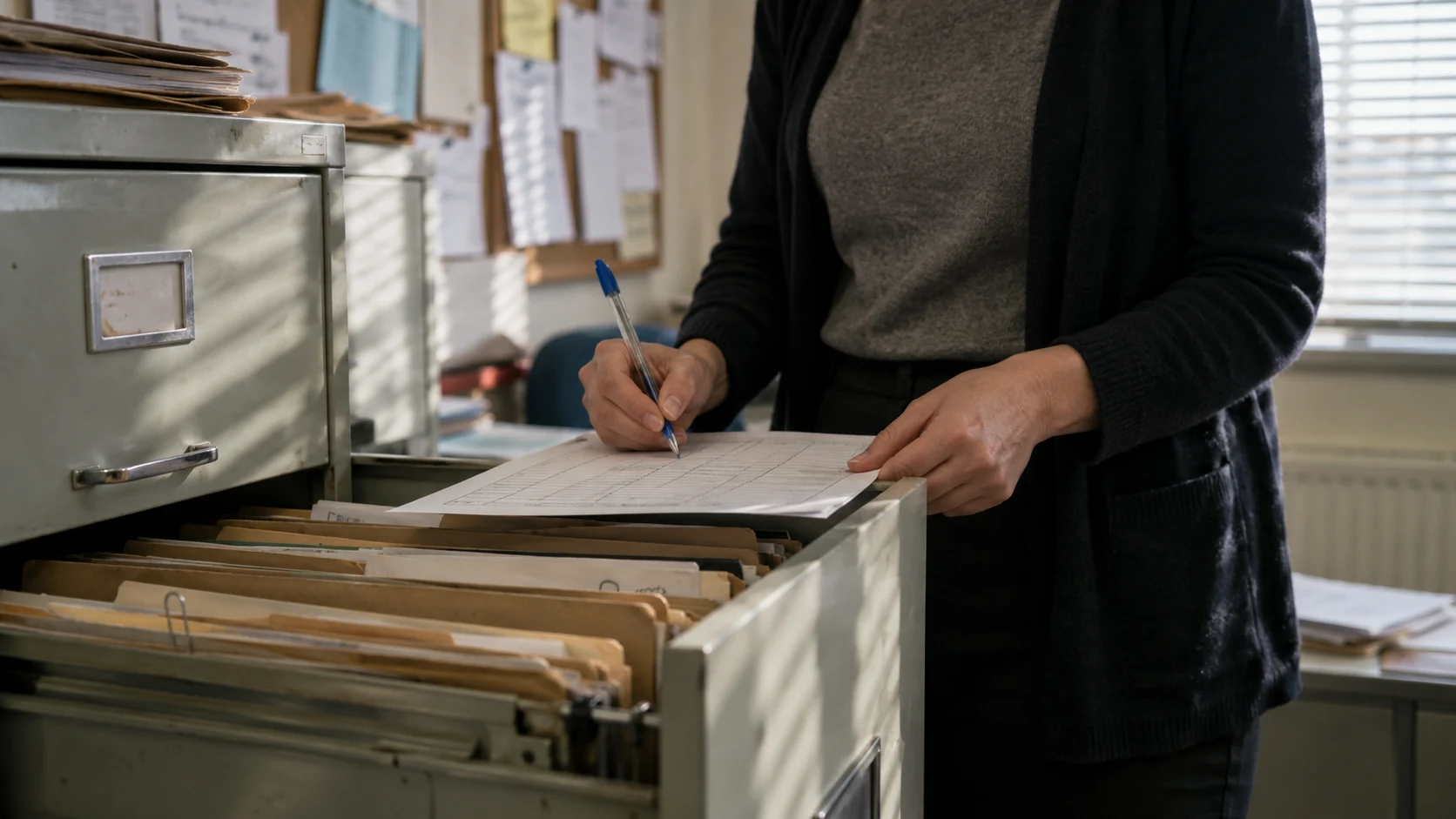
An AI workflow should leave the firm with an accurate account of what staff did. It should not populate a bill with the time somebody estimates the task would have taken without AI.
For legal-aid practices, that distinction belongs in the time-recording design before a document-summary or drafting workflow goes live. The system can help collect evidence; the person responsible for the claim must decide what is claimable under the applicable terms.
Keep the published rule distinct from the software design
Legal Aid Learning says claims must reflect work actually and reasonably done, comply with the applicable Standard Contracts and supporting guidance, and have supporting evidence. Where AI summarises documents, reasonable time spent reading the summary and re-examining documents to verify it may be claimed. The guidance does not support billing hypothetical manual review time. It also says an AI-assisted process taking longer than individual document review may be unreasonable; assessment remains concerned with reasonable and proportionate work. Legal Aid Learning: using artificial intelligence.
That guidance is not a blanket promise that every minute of checking, correction or tool operation is recoverable. The applicable contract, category of work and assessment rules still matter. Check the current provisions when reviewing a claim; this article is a proposed recording workflow, not an assessment of a particular bill.
Separate human activity from tool activity
- 01Operational log: what the tool did
- 02Time record: what the person did
- 03Billing review: what may be claimed
A summary job might wait in a queue, process a document, produce a draft and then wait again for a solicitor. The elapsed time between submission and approval does not establish the amount of human work performed.
| Record | Proposed treatment in the system |
|---|---|
| Staff preparation | Record the actual activity, person and duration for assessment |
| Automated processing or queue time | Keep as an operational event; do not turn it into a staff time entry |
| Reading and verifying the result | Record actual work with sufficient supporting detail |
| Corrections or rejected output | Record what happened; leave claimability to the responsible reviewer |
| Estimated manual alternative | Keep in the evaluation record, separate from the billing record |
These are design suggestions. They do not assign billing codes or establish that any activity is recoverable.
Worked example: a proposed time record
Suppose an invented task involves six minutes preparing documents, three minutes of unattended processing, fourteen minutes checking the result and four minutes correcting it. The human activity totals 24 minutes; elapsed processing does not become another three minutes of staff work.
Record the actual activities and supporting evidence separately. The 24-minute total is not a statement that 24 minutes is recoverable. The responsible billing reviewer assesses the work under the applicable rules. An estimated 45-minute manual alternative belongs only in the efficiency comparison.
If the output is rejected, record the failed attempt and the work that followed. Do not rewrite the history to imply that the system successfully reviewed material which a person later had to prepare again.
Require a person to confirm a proposed entry
If the system drafts a time narrative, show it to the staff member before it becomes a confirmed entry. A suggestion such as “reviewed all documents” must not appear merely because a model processed the files. The wording should describe the work actually performed.
Keep the relevant task and output version linked to the entry. Where the firm's approved record already captures the necessary evidence, use it. Avoid creating a second, inconsistent matter history in an automation dashboard.
Test the misleading cases before a pilot
Use fictional material to test an unattended overnight job, a failed summary, duplicated processing and a reviewer who checks only part of an output. Check that none becomes a full-document review entry automatically.
Also test an edited narrative and an interrupted timer. The person reviewing the bill should be able to understand the recorded activity without treating a timer or an AI-generated description as conclusive evidence.
The supervision guide explains how to give that review an owner. The disclosure workflow shows why the original pages and corrected output need to remain available.
Measure efficiency separately from the claim
Compare total preparation, checking and correction on comparable tasks to decide whether the workflow is useful. Include failed attempts. Record tool costs and operational support separately from legal work claimed.
A process that releases staff capacity may still need changing if it creates unreliable summaries or excessive checking. A successful efficiency evaluation does not approve a bill. Keep those decisions separate in the records and in any management report.
The legal services hub places time recording alongside intake, document preparation and firm operations. Start with one defined task and the firm's existing recording rules before choosing what to automate.