How to Redesign a Website Without Losing SEO or Enquiries
Co-founder of Ampliflow. Builds AI automation, websites, SEO/AEO, and growth systems for UK SMEs.
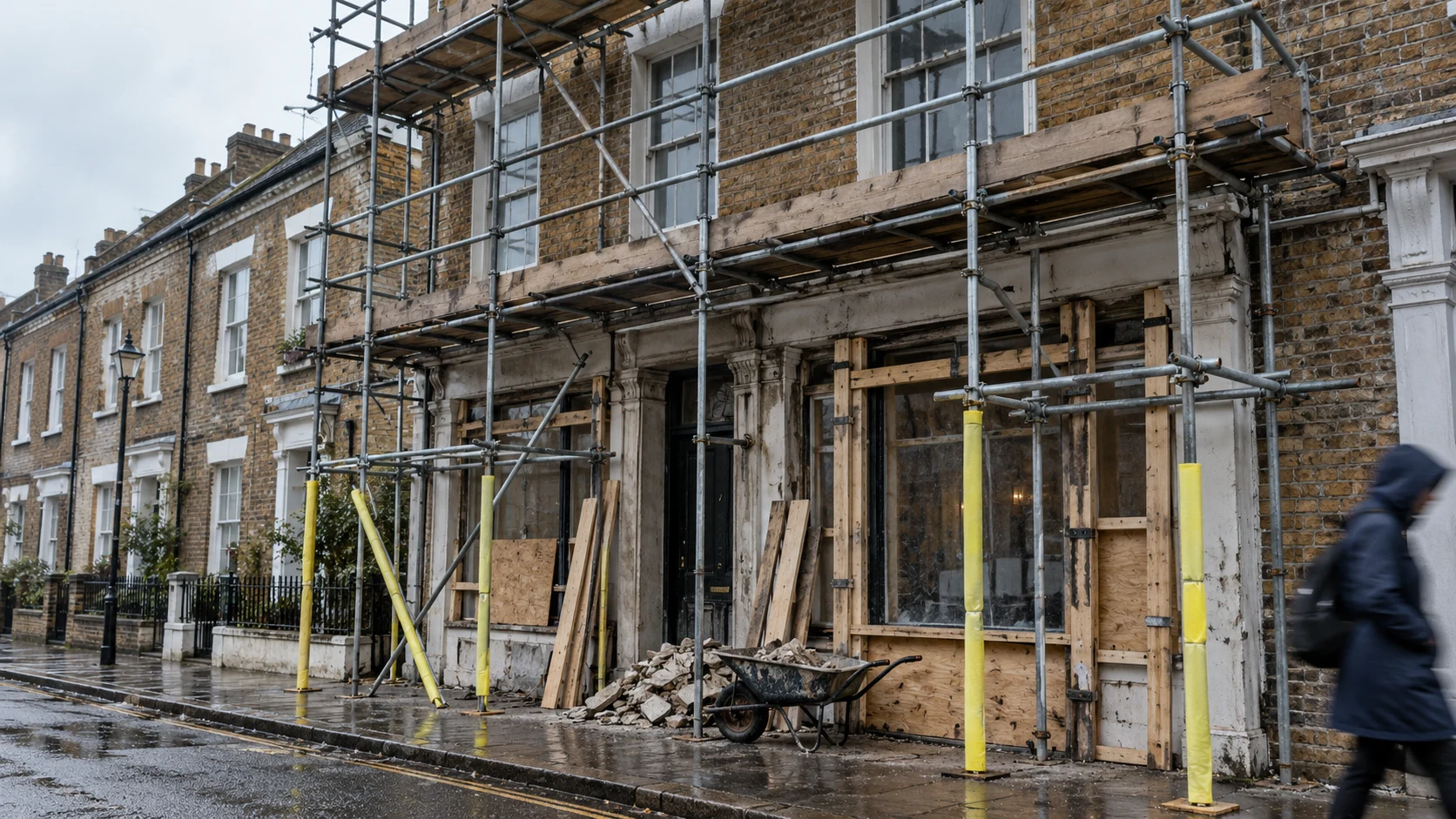
You protect SEO during a redesign by preserving what already works before improving what does not: record the baseline, crawl every current URL, map old pages to their closest new equivalent, keep valuable content and intent, test permanent redirects, remove staging blocks, submit the new sitemap and monitor queries and enquiries after launch.
Do that work before launch week.
A redesign becomes risky when design decisions quietly rewrite the information architecture. A service page disappears. Five locations become one generic page. URLs change because the new CMS prefers a different pattern. The launch looks cleaner while Google and customers lose the paths they already trusted.
This guide owns the implementation problem. For redesign prices and the refresh-versus-rebuild decision, use our UK website redesign cost guide.
Checked: 14 July 2026 · Based on current Google Search migration guidance
The redesign SEO checklist
| Phase | Non-negotiable output |
|---|---|
| Before design | Search, traffic, conversion and URL baseline |
| Before build | Approved content inventory and one-to-one URL map |
| On staging | Crawlable test environment for the team, blocked from public indexing |
| Before launch | Redirect, canonical, metadata, structured-data and analytics tests |
| Launch day | Redirects live, index blocks removed, sitemap submitted and transactions tested |
| First 8 weeks | Query, page, crawl, redirect, conversion and revenue monitoring |
If nobody owns each row by name, the migration plan does not exist.
First, know what “losing SEO” looks like
Rankings can fluctuate after a meaningful move while search engines recrawl and reprocess pages. Google says a medium-sized site can take a few weeks for most pages to move in its index, with larger sites taking longer. A short wobble is not automatically failure.
Real migration failure looks different:
- high-value old URLs return 404 or redirect to the homepage;
- pages that earned traffic vanish or lose the section that answered the query;
- staging
noindexrules reach production; - canonicals point to the wrong host or old URLs;
- internal links still use redirecting addresses;
- structured data disappears or no longer matches the page;
- enquiry forms, calls or purchases stop being measured;
- mobile layouts bury the action that previously converted.
SEO protection is therefore not “keep the same keywords”. It is preserve discovery, meaning, trust and the route to action while changing the site around them.
Phase 1: establish the baseline before changing anything
Capture at least the last 12 months where possible so seasonality does not masquerade as a migration effect.
Export search performance
From Google Search Console, export:
- clicks, impressions, click-through rate and average position by page;
- the queries attached to each commercially important page;
- indexed-page and sitemap reports;
- Core Web Vitals and enhancement reports;
- external links to priority pages.
Search Console is the discovery baseline. Analytics is the behaviour and conversion baseline, subject to consent and tracking limitations.
Export commercial performance
For each important landing page, record:
- organic sessions or users;
- calls, forms, bookings, purchases or other qualified actions;
- conversion rate where the data is sound;
- assisted conversions if the buying journey is longer;
- revenue or lead quality context;
- device split.
A page with modest traffic and excellent lead quality deserves more protection than a high-traffic glossary entry that never assists a sale.
Crawl the whole current site
Keep a machine-readable list containing:
- URL;
- status code;
- title and meta description;
- canonical;
- H1;
- word count;
- internal links in and out;
- indexability;
- structured-data types;
- image and downloadable-file URLs where material.
This crawl becomes the control copy. Without it, post-launch diagnosis relies on memory.
Phase 2: decide what to keep, improve, merge or remove
Every current URL needs one decision.
| Decision | Use when | Migration action |
|---|---|---|
| Keep | The page owns useful intent and still fits the offer | Preserve URL where possible; improve carefully |
| Improve | The intent is right but the page is weak | Keep URL and strengthen content, proof and conversion |
| Merge | Several thin pages answer the same need | Create one stronger destination and redirect each old page directly |
| Remove | No demand, links, business value or useful replacement exists | Return 404 or 410; do not redirect to an irrelevant page |
Google warns against redirecting many old URLs to an irrelevant destination such as the homepage because this may be treated as a soft 404. A deleted service page should not pretend the homepage is an equivalent answer.
Preserve intent, not just phrases
Suppose an accountant's “R&D tax credit advice” page performs well. The redesign can improve its hierarchy, examples and CTA. It should not reduce it to one card on a general services page unless consolidation is an informed decision.
Record the primary query family, buyer question and proof for every priority page. Give that note to the designer and writer. It prevents a visual simplification from erasing the reason the page ranks.
Phase 3: build the URL map before the new navigation is final
Create a sheet with at least:
| Old URL | New URL | Decision | Redirect | Priority | Owner | Tested |
|---|
Map each old URL to the closest useful new equivalent. Keep exact URLs where there is no customer or technical reason to change them.
Google recommends preparing a URL map, updating internal links and using server-side permanent redirects such as 301 or 308. It also states that permanent redirects do not cause a loss of PageRank. Read the full Google site-move guidance.
That does not mean redirects make a migration risk-free. Relevance, content, internal links, technical implementation and recrawling still matter.
Avoid redirect chains
Bad:
/old-service → /services-old → /services/new-service
Good:
/old-service → /services/new-service
Update historic rules so every known old URL points directly to the final live destination. Chains add latency and make failures harder to see.
Phase 4: protect the staging site without carrying the block into production
A staging site should be accessible to the project team and unavailable to search results. Password protection is usually safer than relying only on robots.txt, because blocked crawling does not necessarily remove a known URL from an index.
If staging uses noindex, record every implementation location:
- page-level robots meta tags;
- HTTP
X-Robots-Tagheaders; - CMS visibility settings;
- framework configuration;
- robots rules;
- environment variables.
The launch checklist must remove the blocks from the production environment. Test the rendered response, not only the CMS toggle.
Phase 5: test the new site as a search engine and as a buyer
Crawl the staging build
Compare it with the control crawl:
- Are all intended pages present?
- Does each page return the correct status?
- Are titles, descriptions and H1s unique and useful?
- Are canonicals self-referencing on the correct host?
- Are indexable pages free from
noindex? - Do internal links point directly to final URLs?
- Is important content present in rendered HTML?
- Does structured data validate and match visible content?
- Are XML sitemaps limited to canonical, indexable URLs?
Test templates, not one happy page
Choose examples from every type: homepage, service, location, article, category, product, filtered state, contact, legal and error pages. Template problems repeat at scale.
Test the enquiry journey on mobile
SEO traffic has no value if the redesign damages conversion. On a real phone:
- load each priority landing page;
- find the primary action without pinch-zooming or hunting;
- submit every form;
- tap phone and email links;
- test validation and error messages;
- check consent choices and analytics behaviour;
- complete a booking or purchase with a test transaction where relevant.
Record screenshots or video. “Worked on staging” is not an audit trail.
Phase 6: launch in a controlled window
Google recommends changing one major thing at a time where possible and launching during a lower-traffic period. Do not combine a domain move, CMS change, complete rewrite and new international structure unless the business case requires the risk.
Launch sequence
- Take final content and data backups.
- Freeze avoidable changes on the old site.
- Deploy the production build.
- Enable the complete redirect map.
- Remove staging index blocks from production.
- Confirm canonical host, HTTPS and preferred domain behaviour.
- Run the priority URL and redirect test set.
- Complete forms, calls, bookings and test orders.
- Confirm analytics and consent events.
- Submit the new sitemap in Search Console.
- Annotate the launch in reporting tools.
For a domain change, verify both old and new properties and use Search Console's Change of Address process. For a redesign on the same domain, that tool is not required.
Keep the old environment available privately
Do not destroy the only reference copy at launch. Keep a protected backup or deployable snapshot long enough to recover content, metadata and configuration while the new site settles.
Phase 7: monitor pages and enquiries, not only the homepage
First 72 hours
Check:
- server errors and availability;
- priority redirects;
- robots and
noindexstate; - canonicals and sitemap access;
- analytics events and transactions;
- forms, calls and checkout;
- Search Console inspection for representative URLs.
First two weeks
Review daily or every few days:
- Googlebot crawl errors;
- old URLs receiving visits without a correct redirect;
- unexpected 404s and soft 404s;
- indexed staging or duplicate hosts;
- query and page changes for the protected set;
- organic enquiries and revenue against normal variation.
Weeks three to eight
Compare cohorts, not isolated ranking screenshots:
- kept URLs;
- improved URLs;
- merged URLs;
- new pages;
- device and template types.
If one template drops while others hold, investigate the template. If all queries for one old page disappear, inspect its destination and content match. Diagnosis should follow the pattern.
Google recommends keeping redirects for as long as possible and generally at least one year so users and search signals continue reaching the correct URLs.
The five migration failures we see most often
1. Navigation designed without search evidence
The new menu is cleaner because valuable service and location pages have vanished. Fix this during information architecture, not after launch.
2. Every removed page redirects to the homepage
This hides missing content instead of replacing it. Use the closest equivalent or a genuine 404/410.
3. Copy is shortened until the answer disappears
Clear writing can be shorter. Thin writing removes comparisons, proof, conditions and objections that made the page useful.
4. Analytics is treated as a post-launch task
The first week becomes invisible. Define and test events before DNS changes.
5. Nobody watches qualified enquiries
Traffic can look stable while a mobile form or phone link is broken. Technical SEO and conversion checks belong in the same launch room.
Frequently asked questions
Will a website redesign hurt SEO?
It can cause temporary movement as pages are recrawled. Lasting harm is not inevitable. Preserve valuable URLs and intent, implement direct permanent redirects where URLs change, remove accidental index blocks and monitor the launch.
Should I keep all my old URLs?
Keep them when they still describe the page and changing them creates no customer benefit. When structure genuinely changes, map each old URL to the closest useful destination and redirect directly.
Do 301 redirects lose SEO value?
Google states that 301 and other permanent redirects do not cause a loss in PageRank. A redirect still needs a relevant destination and clean implementation; it cannot make unrelated content equivalent.
How long will rankings fluctuate after a redesign?
There is no fixed period. Google says a medium-sized site may take a few weeks for most pages to move in its index, while larger sites can take longer. Monitor important page-query pairs and commercial actions rather than waiting on one site-wide average.
When should the SEO specialist join a redesign?
Before information architecture and wireframes are approved. Google's hiring guidance calls a redesign an especially useful time to involve an SEO early, so the site can be search-friendly from the bottom up.
Preserve the asset before polishing the interface
A website is not a set of fresh screens. It is a live network of URLs, search signals, proof and customer routes. Inventory that asset, decide deliberately what changes, and launch with evidence close enough to stop a small mistake becoming an eight-week mystery.
Related: Small-business website design · Website redesign cost UK · Migrate to Shopify without losing SEO · Technical SEO audit checklist · AI search optimisation